How it works
Six steps from idea to open store
The same onboarding every Nameer store goes through — no calls, no waiting.
Create your account
Your email and a password. That’s it.
Verify your email
Click the link we send you to confirm it’s you.
Name your store
Choose its name and address — yourstore.nameer.store.
Choose your theme
Start from the Default theme; make it yours later.
Empty or demo content
Start clean, or install a demo catalogue to explore.
Your store is ready
Open your storefront and your dashboard.
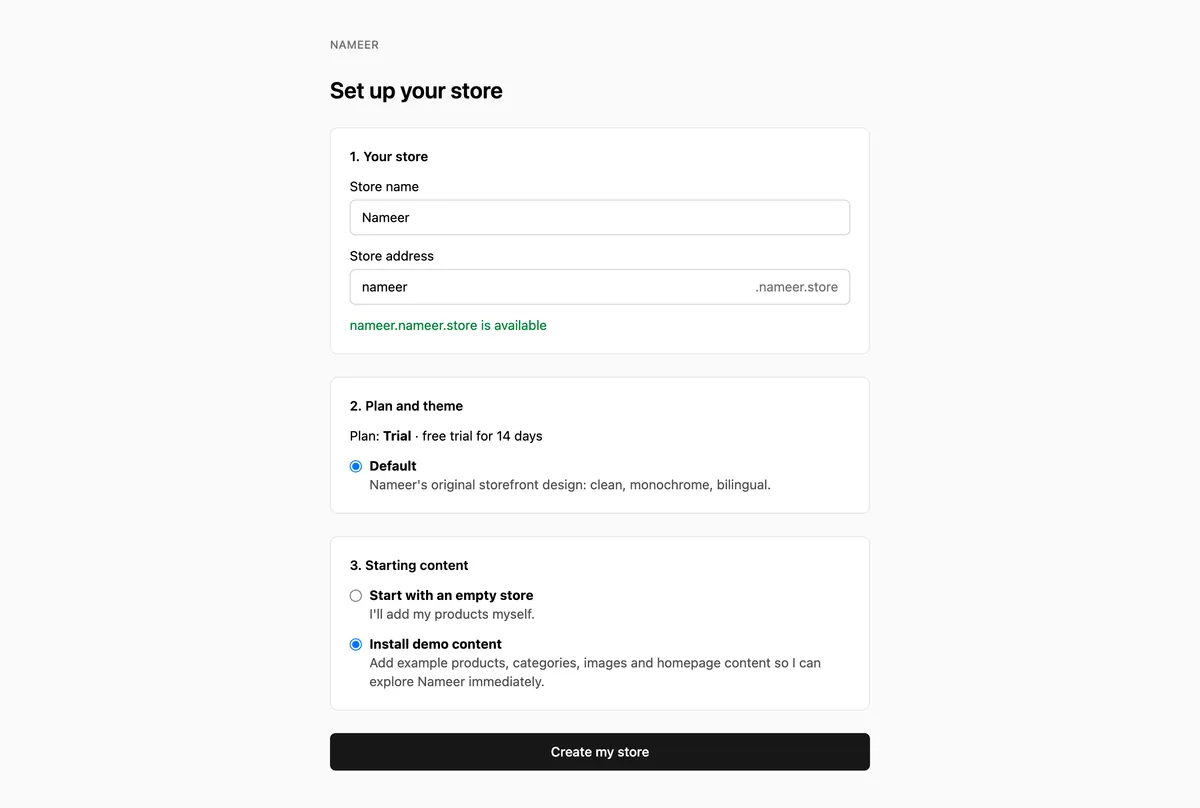
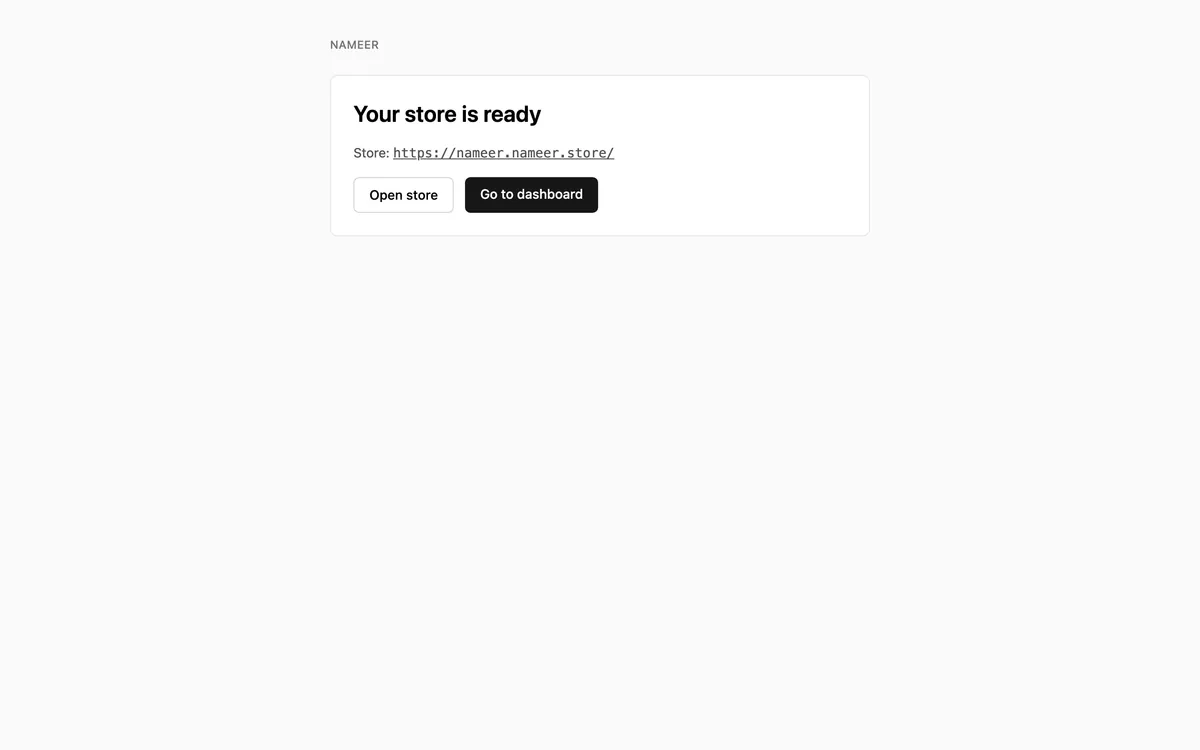
Real Nameer screens, shown with sample data.
Open your store in Arabic and English.
Everything you need to start selling, in one place.